Once a user creates an account in the Proxima CRM system, the next step is to complete the registration process and set a password.
To complete the registration process:
- Open the email from id.admin@robots.proximaresearch.com
- Click the Finish initialization button.
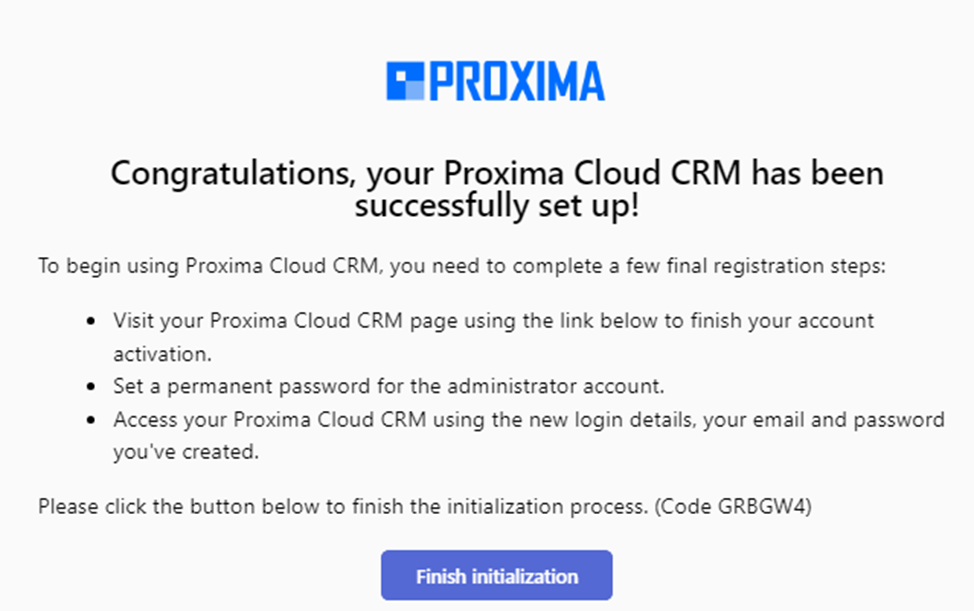
3. As a result, a new dialog appears, where the user must create a personal password for system access.
Password Requirements:
- Minimum of 8 characters
- At least one lowercase letter
- At least one symbol
- At least one uppercase letter
- At least one number
- The Password and Confirm Password fields must match.
The user must enter a password according to these requirements and remember it.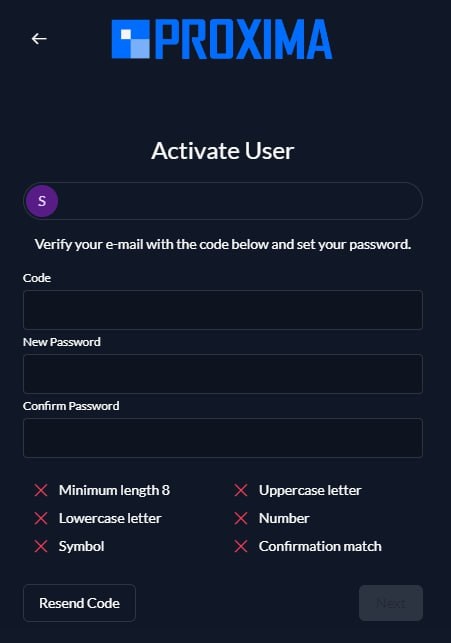
If any of the conditions do not meet the required standards, that condition will be marked with a cross.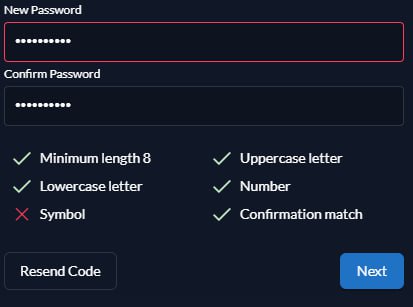
If the user attempts to press the Continue button with an invalid password, the password will not be saved, and an error message will be displayed.
Once a valid password is entered, the Continue button becomes active.
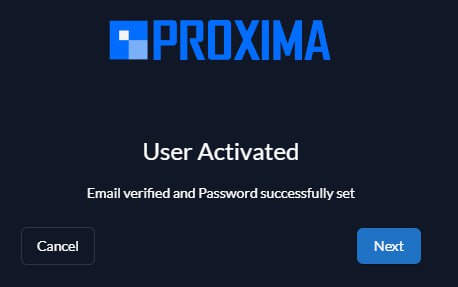
When all conditions are satisfied and the password is correctly entered, the system will display a confirmation message indicating: