Before starting to install the application, we recommend making sure that the user has:
- Stable internet connection
- Free space on the device (on average about 1 gigabyte, depending on the company's settings).
- Time to install the system (installation can take 5 minutes to an hour, depending on the company's settings and internet connection).
To install the application, do the following:
1. Go to the App Store/Play Store.
Note: You can use direct links to download the application:
- https://play.google.com/store/apps/details?id=com.proximaresearch.proximacrm
- https://apps.apple.com/ua/app/proxima-crm/id1640246319?l=uk/
2. Search for Proxima CRM and select it from the result list.
3. Click the Install button to start the installation process.
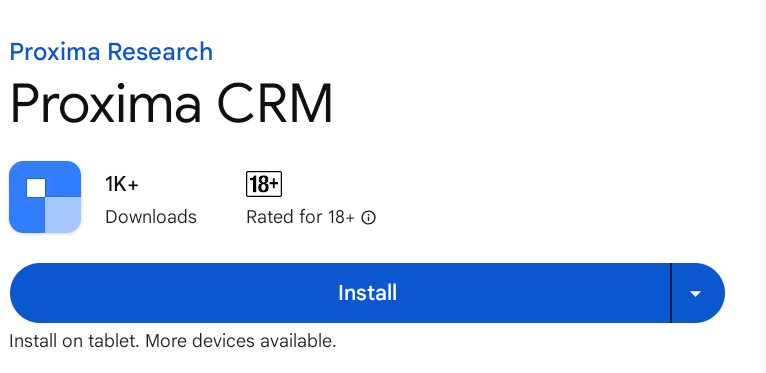
Please, wait till the end of the installation process.
4. Click the Open button to start the application.
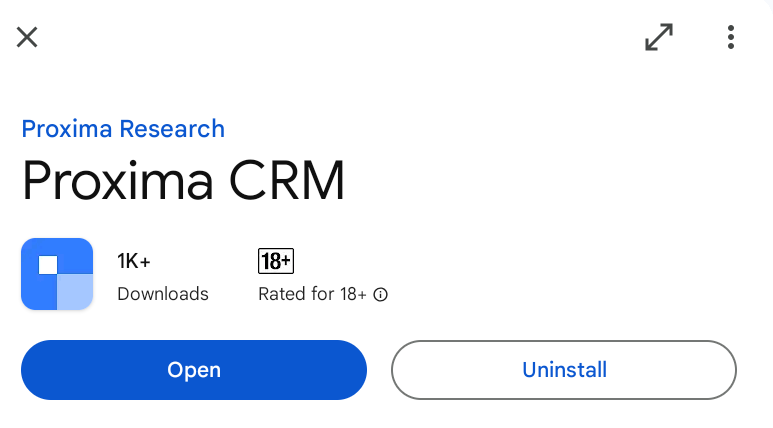
5. Enter your server address and click Continue.
Note:
You can find the server address in the email you receive after changing your password.
6. Enter your email address used during registration and click the Continue button.
7. Enter your password and click the Next button.
Please use the email and password set during the registration of the Proxima Cloud account.
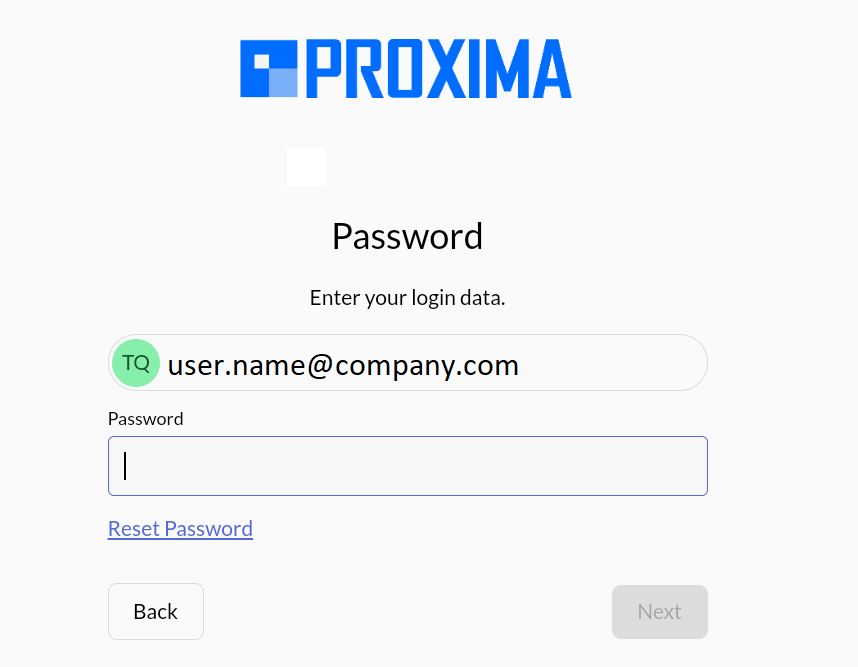
8. As a result, the Loading the database dialog appears. Please, wait till the end of the loading process.
9. Allow access to your geodata. Click the Allow button.
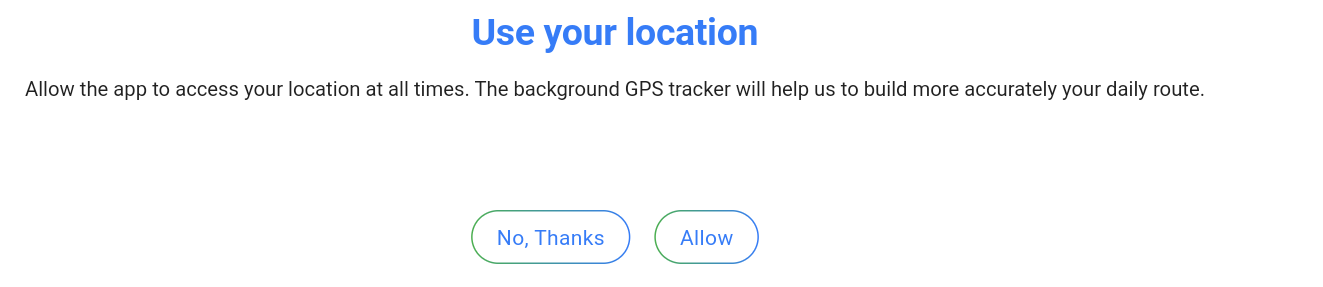
10. As a result, the Proxima CRM application appears.