If users forget their password when attempting to log into Proxima Cloud, they can reset it and register a new password using the Reset Password button.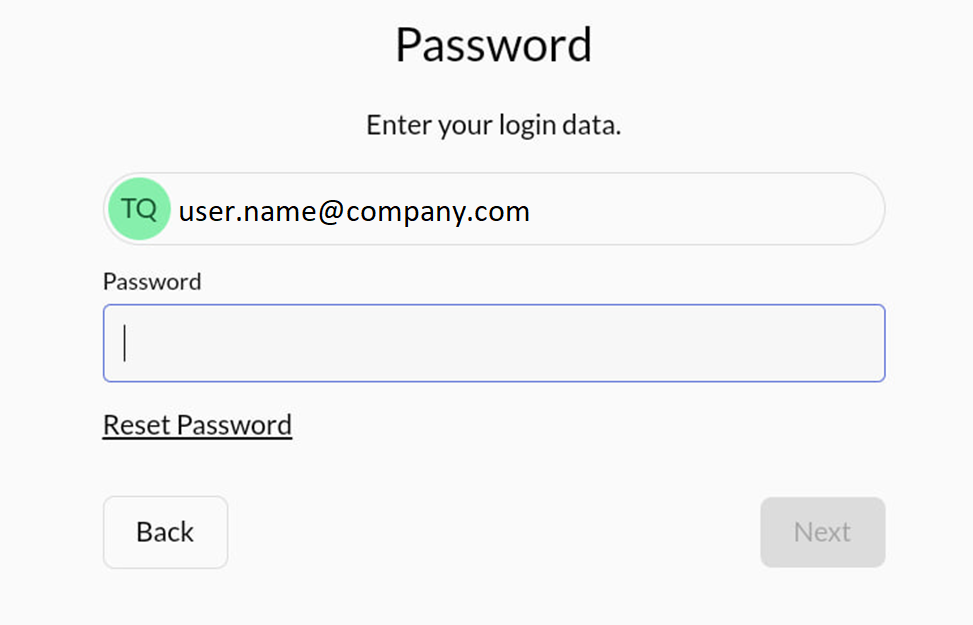
Then click the Next button to proceed.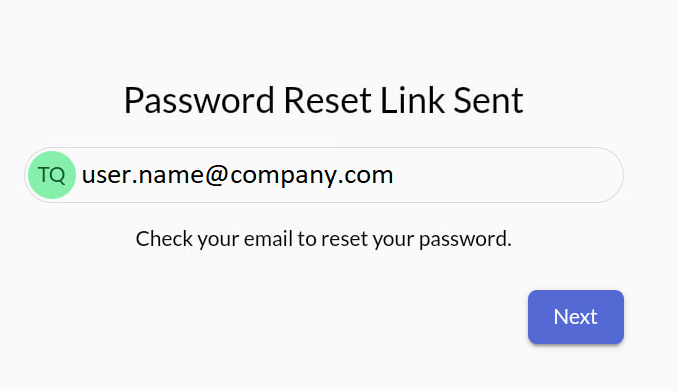
An email from id.admin@robots.proximaresearch.com will be sent to the user's registered email address. This email contains a secure link and instructions for resetting the password.
Please, open the email and click on the Reset Password link provided.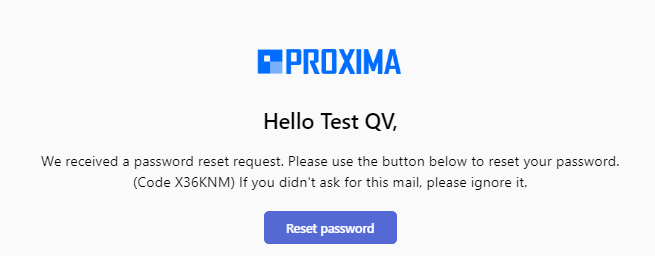
The user will be redirected to a secure page to create a new password.
The new password must meet the following security requirements:
-
Minimum of 8 characters
-
At least one lowercase letter
-
At least one uppercase letter
-
At least one number
-
At least one special character (e.g., !, @, #)
-
Password and Confirm Password fields must match
Once the new password is entered correctly, the user can complete the process and regain access to their account.