1. Checking Internet Connection
The first thing to check is whether the device has an active internet connection. We recommend opening news, weather, or any video in a browser. This will help ensure that the connection is stable.
If the internet connection is unstable, try synchronizing later.
2. Checking for the Latest App Version
CRM system updates can sometimes affect synchronization.
We recommend:
- Opening the app store
- Searching for Proxima CRM and updating the app if an update is available.
For more details, refer to the article: Version update
3. Re-authentication in the System
Periodically, the system may block synchronization until the user re-enters their login credentials. When this happens, a notification will appear when attempting to synchronize.
To resolve this issue, follow these steps:
- Click Yes in the pop-up window.
- A new window will open - click Sign in and continue.
- In the next window, select your name and enter your password.
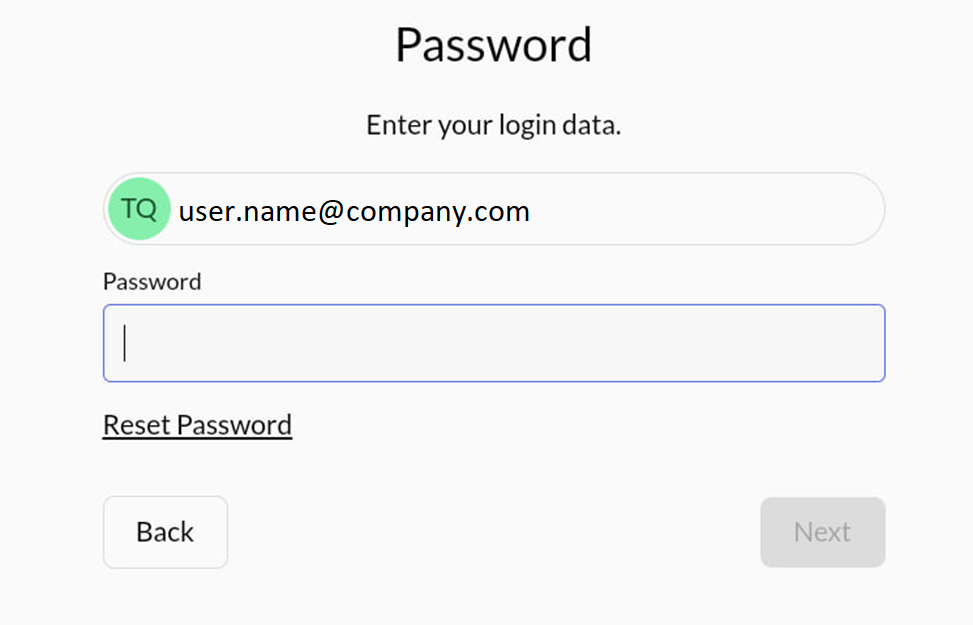
If you have trouble with your password, you can reset it by following the instructions in the article: Proxima Cloud pasword reset. - After re-authentication, you should be able to proceed with synchronization.